Framer Refinery
Jan 2, 2026
Refinery uses an AI-first workflow to plan, prompt, build, refine, clean, and publish high-quality Framer components faster and more systematically.
Explore…
Refinery is a creative product studio focused on designing and building interactive digital products, websites, and Framer components. For this project, the goal was not just to create components manually but to build a repeatable AI-powered workflow for planning, prompting, generating, refining, cleaning, and publishing Framer components.
The project explored how tools like ChatGPT, Claude, and Framer Workshop could work together as part of one structured production system.
The Challenge
Creating high-quality Framer components requires more than a good idea. Each component needs a clear structure, flexible controls, clean interactions, strong performance, and marketplace-ready code.
The challenge was to create a workflow that could help us move from idea to public Framer component faster, without losing quality.
We needed a process that helped us:
Plan the component properly before building
Break complex component ideas into smaller build steps
Use AI to generate structured prompts and technical direction
Build inside Framer Workshop through guided iterations
Refine the component until it matched the original vision
Clean the codebase to meet Framer’s marketplace requirements
Submit the component for review and make it public
Our AI-Based Workflow
Planning the Component Structure with AI
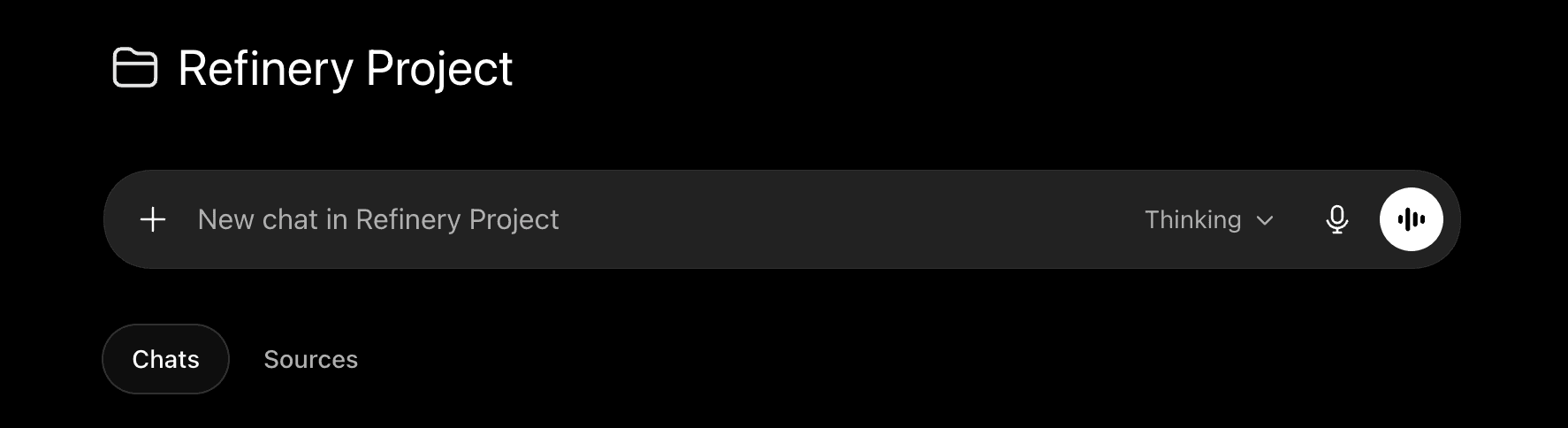
The process started with ChatGPT. Before building anything, we used AI to define the purpose, behavior, layout, states, and customization options of the component.
This included answering questions like:
What should the component do?
What controls should users be able to edit?
What states should the component have?
How should it behave on desktop and mobile?
What should be customizable inside Framer?
What kind of motion or interaction should it support?
This planning stage helped us avoid building blindly. Instead of jumping straight into code, we created a clear blueprint for the component.
Turning the Plan into Step-by-Step Prompts
Once the component structure was clear, we used ChatGPT and Claude to convert the plan into a detailed build prompt.
The prompt was not written as one long instruction. Instead, we broke it into step-by-step sections using markdown indexing.
This helped us organize the build process into clear phases, such as:
This markdown indexing made the prompt easier to follow inside Claude and Framer Workshop. It also made the workflow more controlled, because each part of the component could be built, tested, and refined separately.
Using Claude to Generate the Base Component
After preparing the prompt, we used Claude to generate the first version of the component.
Claude was mainly used to translate the structured product idea into working component logic. This gave us a strong starting point instead of building everything from scratch.
The first version usually focused on the core experience only:
Base layout
Main interaction
Property controls
Default styling
Basic animation
Initial responsive behavior
At this stage, the goal was not perfection. The goal was to create a working foundation that matched the component’s main purpose.
Building and Refining in Framer Workshop
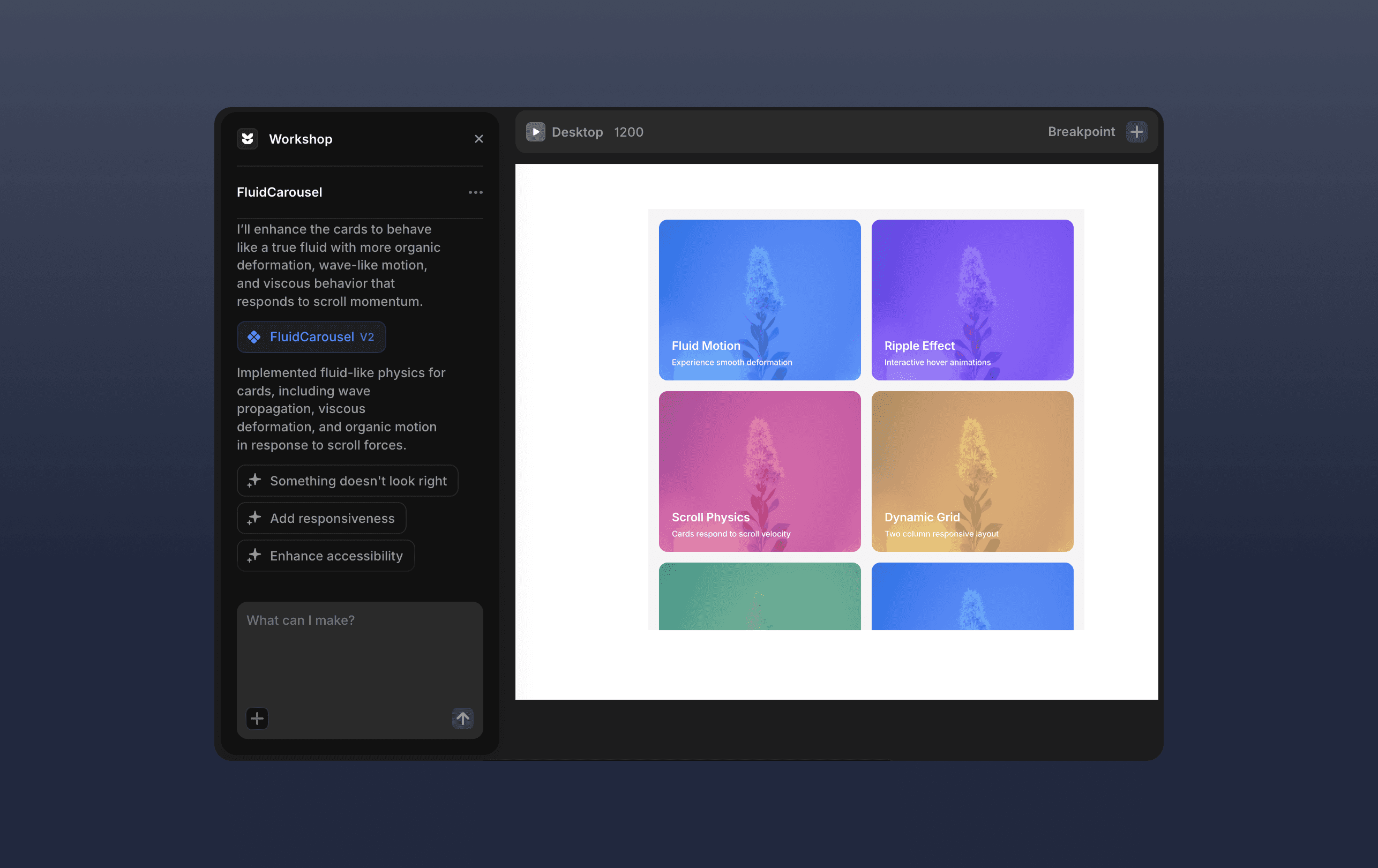
Next, we moved into Framer Workshop.
Instead of pasting one massive prompt and expecting the perfect result, we entered the prompt in steps. Each step focused on one part of the component.
For example, we would first build the layout, then add controls, then add interaction, then add animations, then refine responsiveness.
This made the process easier to manage because every version had a clear purpose. When something did not work correctly, we could isolate the issue and refine that specific part instead of starting over.
The workflow looked like this:
Build the base version
Test the component inside Framer
Compare it with the original requirements
Identify what is missing or broken
Refine the prompt
Generate a better version
Repeat until the component behaves correctly
This AI-assisted iteration became the core of the Refinery workflow.
Adding Advanced Features After the Base Worked
Once the base component matched the main requirements, we started adding additional features.
This was done carefully. Instead of overloading the first build, we treated advanced features as separate improvements.
These could include:
More customization controls
Additional layout options
More animation states
Better hover or click interactions
Mobile-specific behavior
Optional images, links, captions, or content fields
Style controls for colors, spacing, borders, and typography
This approach helped keep the component stable. The base experience came first, then the feature set expanded after the foundation was already working.
Cleaning the Codebase for Framer Requirements
After the component worked visually and functionally, the next step was cleanup.
This stage was important because a component can work in preview but still fail Framer Marketplace review if the code is not optimized properly.
We reviewed the component for:
Clean property controls
No unnecessary console logs
No unused code
Proper responsive behavior
Better naming and organization
Static rendering support
Reduced performance issues inside the canvas
Safe handling of animations and effects
Compatibility with Framer’s expected standards
This part of the workflow made the component more professional and easier to approve.
Submitting to Framer and Publishing
Once the component was cleaned and tested, we submitted it to Framer for review.
The final step was to prepare it for public use. This included creating the component description, byline, usage notes, support information, licensing terms, and any marketplace documentation needed to help users understand how to use it.
After approval, the component could be made public as part of the Refinery component library.
What Made the Workflow AI-First
The strongest part of this project was that AI was not only used to write code. AI was used across the full production workflow.
It helped with:
Component ideation
Feature planning
Prompt structuring
Technical breakdowns
Code generation
Debugging direction
Iteration planning
Documentation writing
Marketplace preparation
This made the process faster but also more structured. AI became part of the design and development system, not just a tool used at the end.
Outcome
Through this workflow, Refinery created a repeatable AI-powered system for building Framer components from idea to public release.
The process helped turn complex component ideas into structured prompts, working prototypes, refined Framer components, and publishable marketplace products.
Instead of depending on one large build attempt, the workflow focused on controlled iteration: plan, prompt, build, test, refine, clean, and publish.
Key Learning
The biggest learning from the Refinery project was that AI works best when the workflow is structured.
A vague prompt creates vague results. But when the component idea is broken into clear sections, with defined behavior, controls, states, and requirements, AI becomes much more useful.
The project showed that AI can support the entire product-building process, from planning and technical direction to Framer implementation and marketplace release.
